So I had the absolute pleasure of attending Palantir DevCon2 ! That probably deserves a post all on its own. It was a great conference! The format was, do a hack-a-thon, oh and here are some new cool things to build with (AIP, OSDK, ElevenLabs voice AI ) here have good food and snacks, and just hack away on our dynamic ontology (this is worth a post as well but to blatantly rip off from Donald Farmer
Data without analysis is a wasted asset. Analytics without action is wasted effort.
Many companies provide an ‘ontology’, Palantir’s lets you take action on that ontology and that makes all the difference. )
Also, at devcon you could press a button if you need help from an expert at any time.
All that to say, I wanted to create some synthetic telemetry data for the hack-a-thon and Tyler (who I met at devcon) was saying how cool compute modules are. So, here are my notes for setting up Palantir Compute Modules.
The first thing you want to do is setup a compute module.

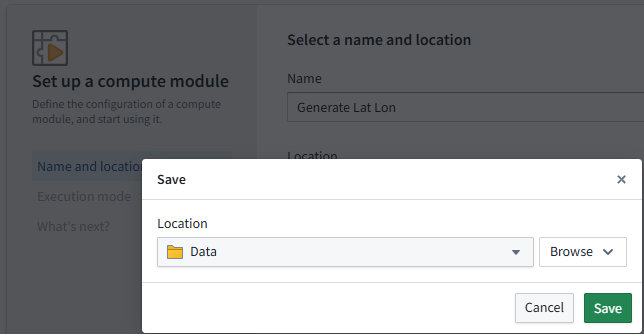
Hit create and then give it a name and a location
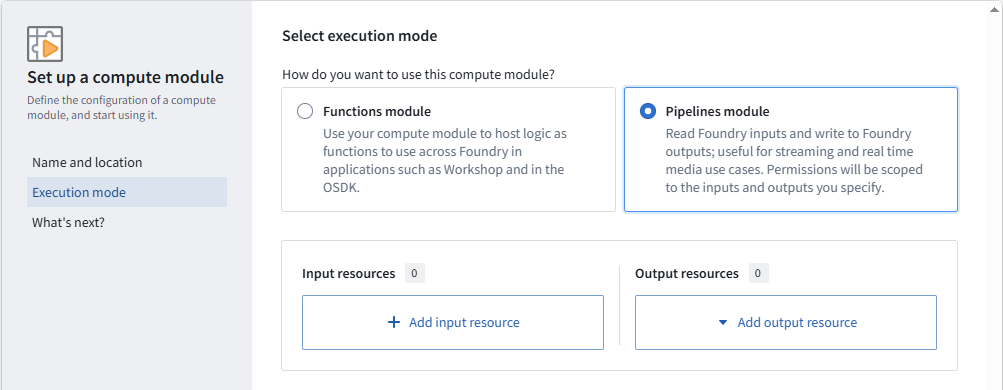
Next, Choose Pipelines module (This will be autogranted permissions to inputs and outputs)
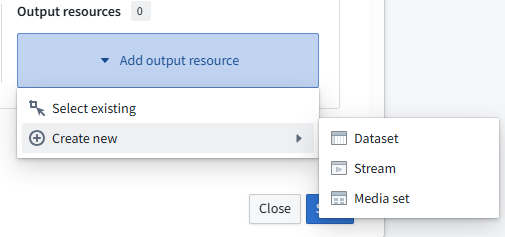
Since I’m just generating data I only need specify the output resource.
Choose a new stream
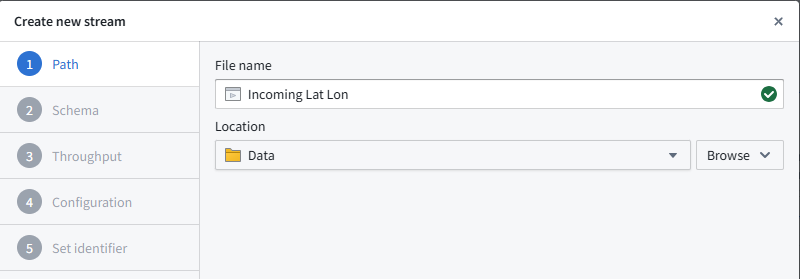
Give it a name
I found this UI a bit confusing at first
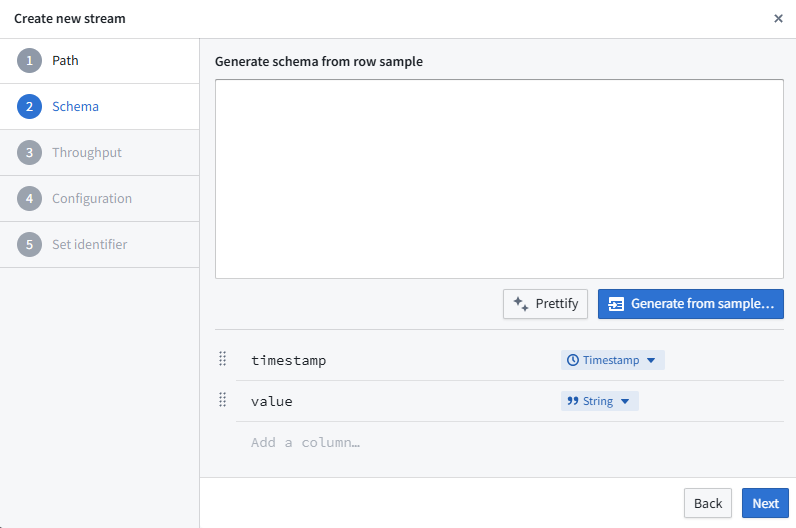
As soon as you grab a value and drag it up the interface changes. Anyways, make it look like this. (I should experiment with the generate from sample some time…)

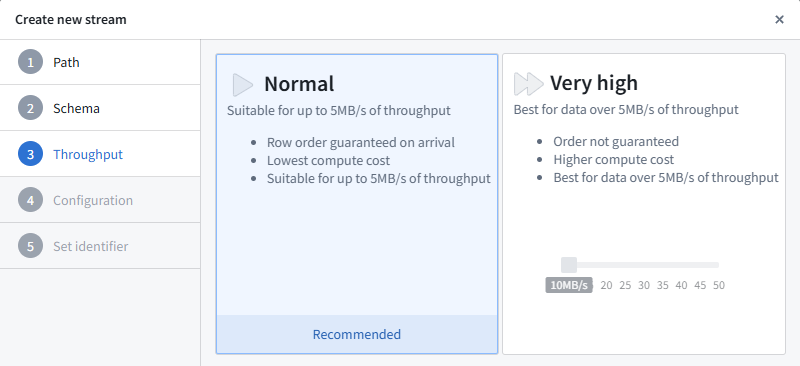
Set Throughput, I’m ok with the default
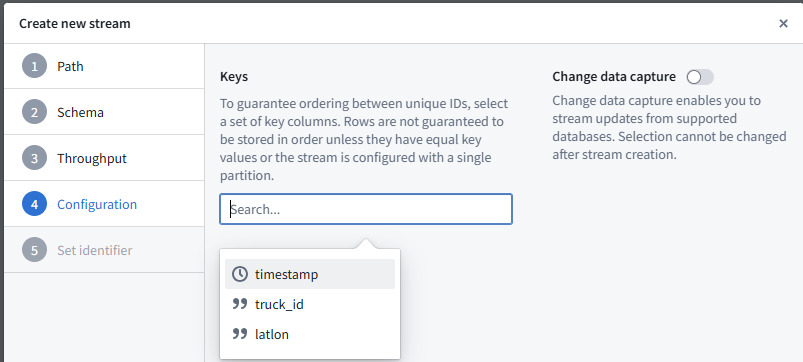
I’m choosing timestamp since it will be unique (Change data capture looks fun to play with)
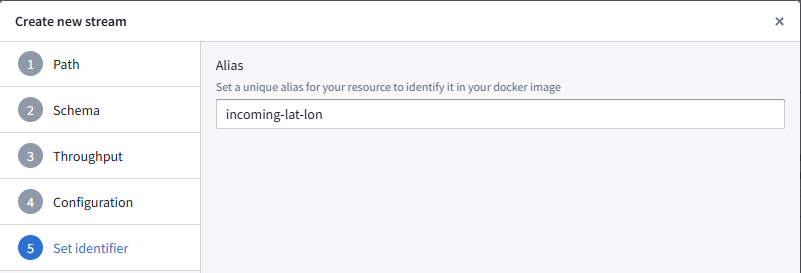
And now the important bit, this is how docker knows how to write to the resource, let’s call it incoming-lat-lon
Now that is setup, get thee to a dockery. The docs explain it well. https://www.palantir.com/docs/foundry/compute-modules/get-started/
I use the windows subsystem for linux.
First up, you need a Dockerfile, I did the below
FROM --platform=linux/amd64 python:3.9-slim

WORKDIR /app

# Install coreutils for 'tee' and ensure /bin/sh exists
RUN apt-get update && apt-get install -y coreutils && rm -rf /var/lib/apt/lists/*

COPY requirements.txt .
RUN pip install --no-cache-dir -r requirements.txt

COPY . .
USER 5000
CMD ["python", "app.py"]
A requirements.txt
requests
foundry-compute-modules
And then some code app.py
import os
import json
import time
import requests
import logging
from datetime import datetime
from requests.exceptions import RequestException

# Configure logging with proper microsecond formatting
logging.basicConfig(
    level=logging.INFO,
    format='%(asctime)s [%(levelname)s] %(message)s',
    datefmt='%Y-%m-%dT%H:%M:%S.%fZ')  # Add Z explicitly
logger = logging.getLogger(__name__)

# Read bearer token
with open(os.environ['BUILD2_TOKEN']) as f:
    bearer_token = f.read().strip()

# Read output stream info from resource alias map
with open(os.environ['RESOURCE_ALIAS_MAP']) as f:
    resource_alias_map = json.load(f)

output_info = resource_alias_map['incoming-lat-lon']
logger.info(output_info)
output_rid = output_info['rid']
output_branch = output_info.get('branch', 'master')

FOUNDRY_IP = "54.209.240.31"  # From your log
FOUNDRY_HOST = "events.palantirfoundry.com"

# Precomputed list of lat/long coordinates
COORDINATES = [
    (37.441921, -122.161523),  # Example: Palo Alto, CA
    (37.442041, -122.161728),
    # Add more lat/long pairs as needed
]

def push_coordinates(lat, lon):
    current_time = int(datetime.now().timestamp() * 1000)
    url = f"https://{FOUNDRY_IP}/stream-proxy/api/streams/{output_rid}/branches/{output_branch}/jsonRecord"
    payload = {
        "truck_id": "truck_123",
        "timestamp": current_time,
        "latlon": f"{lat},{lon}"
    }
    headers = {
        "Authorization": f"Bearer {bearer_token}",
        "Host": FOUNDRY_HOST
    }

    logger.info(f"Posting to: {url} with payload: {json.dumps(payload)}")
    try:
        response = requests.post(url, json=payload, headers=headers, timeout=10, verify=False)
        response.raise_for_status()
        logger.info(f"Pushed coordinates: lat={lat}, lon={lon} at {current_time}")
    except RequestException as e:
        logger.error(f"Request failed: {e}")
        if hasattr(e.response, 'text'):
            logger.error(f"Server response: {e.response.text}")

if __name__ == "__main__":
    logger.info("Starting coordinate push loop")
    while True:
        for lat, lon in COORDINATES:
            push_coordinates(lat, lon)
            time.sleep(10)  # Wait 10 seconds between each coordinate push
Modify the script resource_alias_map to point to what ever you named your Alias (This point is a bit unclear in the documentation)
So, now we need to get this container into Palantir. They offer some very nice helpers to do so.
Ah, first you need to make a repository
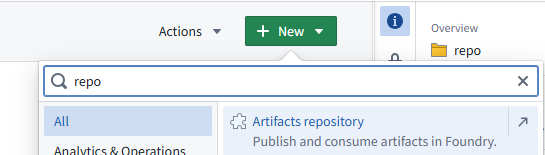
Choose Artifacts repository
Choose Docker
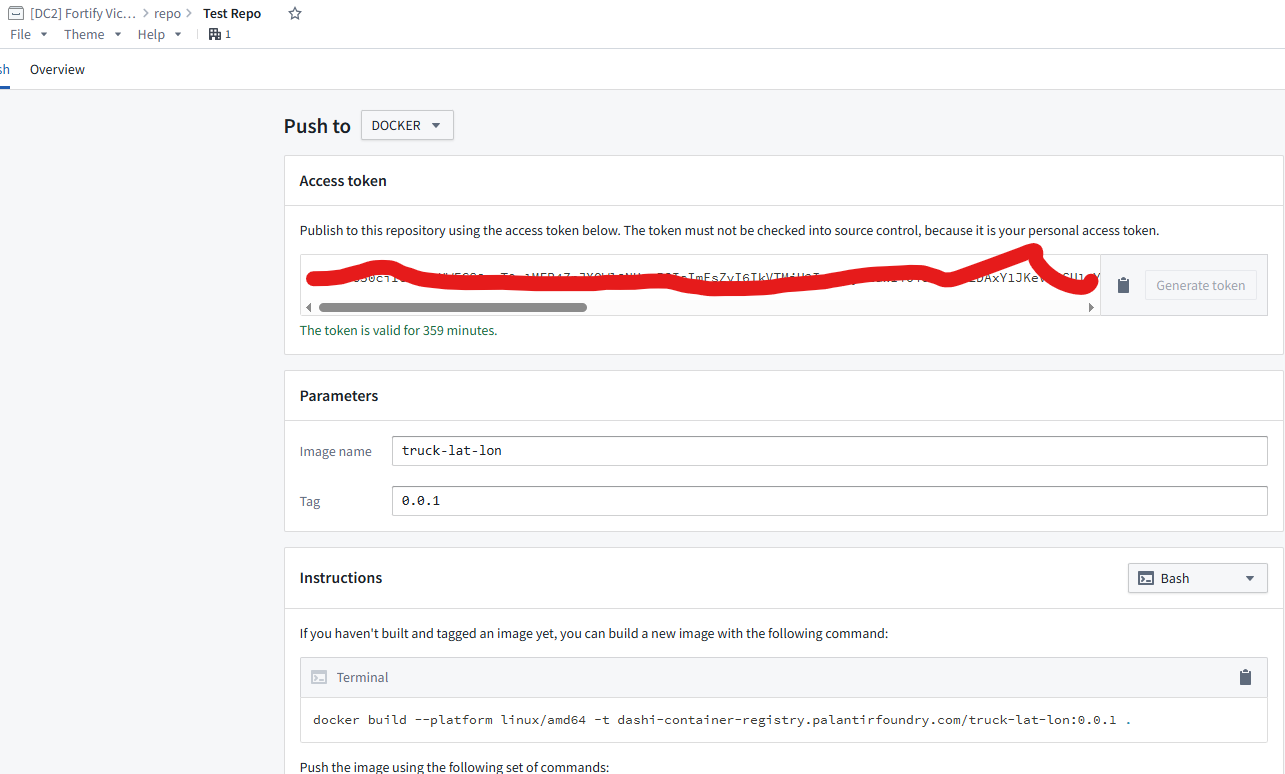
Set the image name, as well as the tag
Then it gives you the steps to build and then push the image. Copy and run those commands in your terminal.
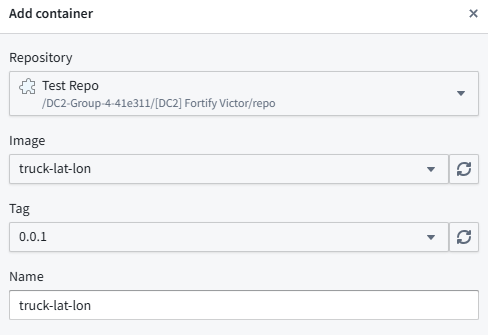
Now back at compute module you want to click Add container

Find your repo and choose the appropriate Image & Tag
You can add the foundry Url as an Environment variable (but the sample code doesn’t use it, I think its a simple code update)
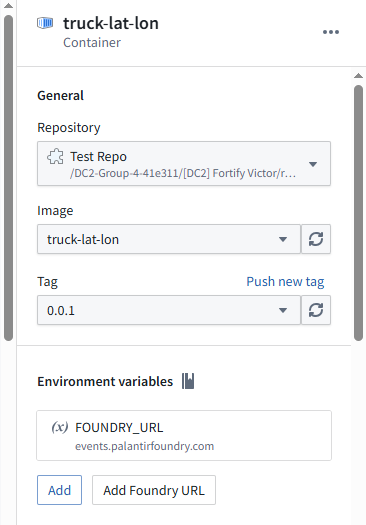
Then when you are ready press start
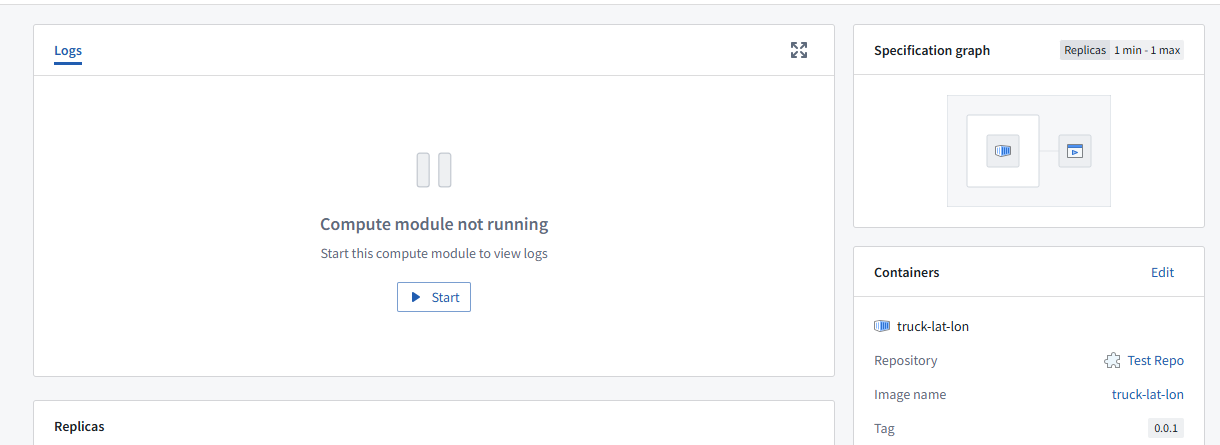
Then you can look in the logs and see if its pushing data

You might notice I’m doing some tomfoolery with the ssl. This was because the egress policy was blocking the DNS lookup, so I just hardcoded it to an IP (simply for test/demo)

If you click on the Output resources (Incoming Lat Lon)

You can see the data streaming in!
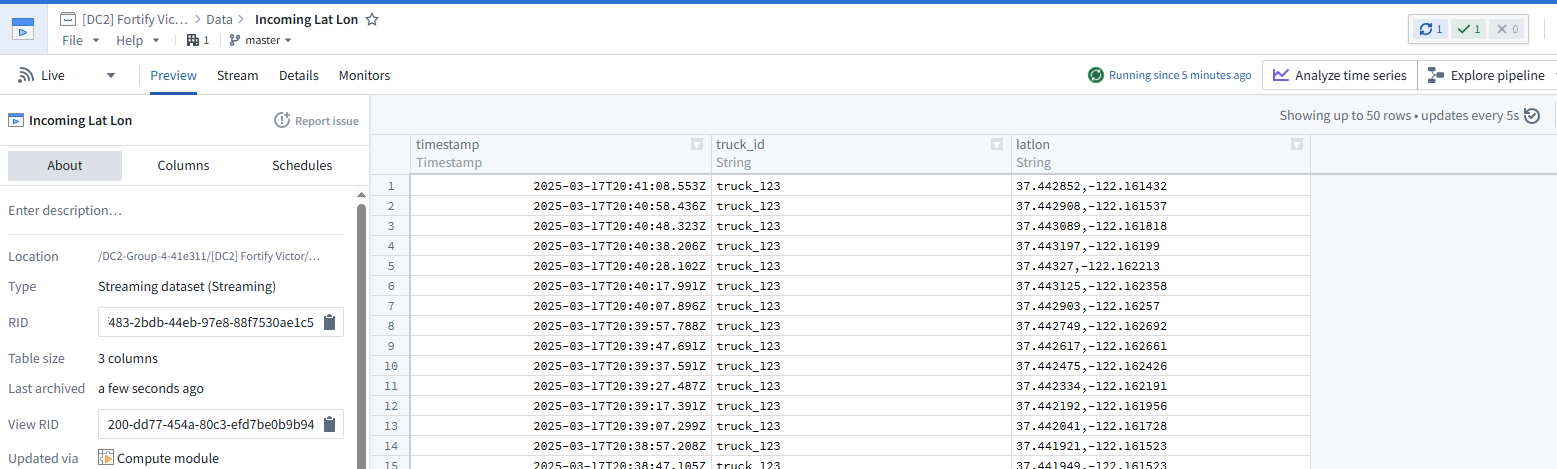
For DevCon we used a map object and then showed a little truck circling
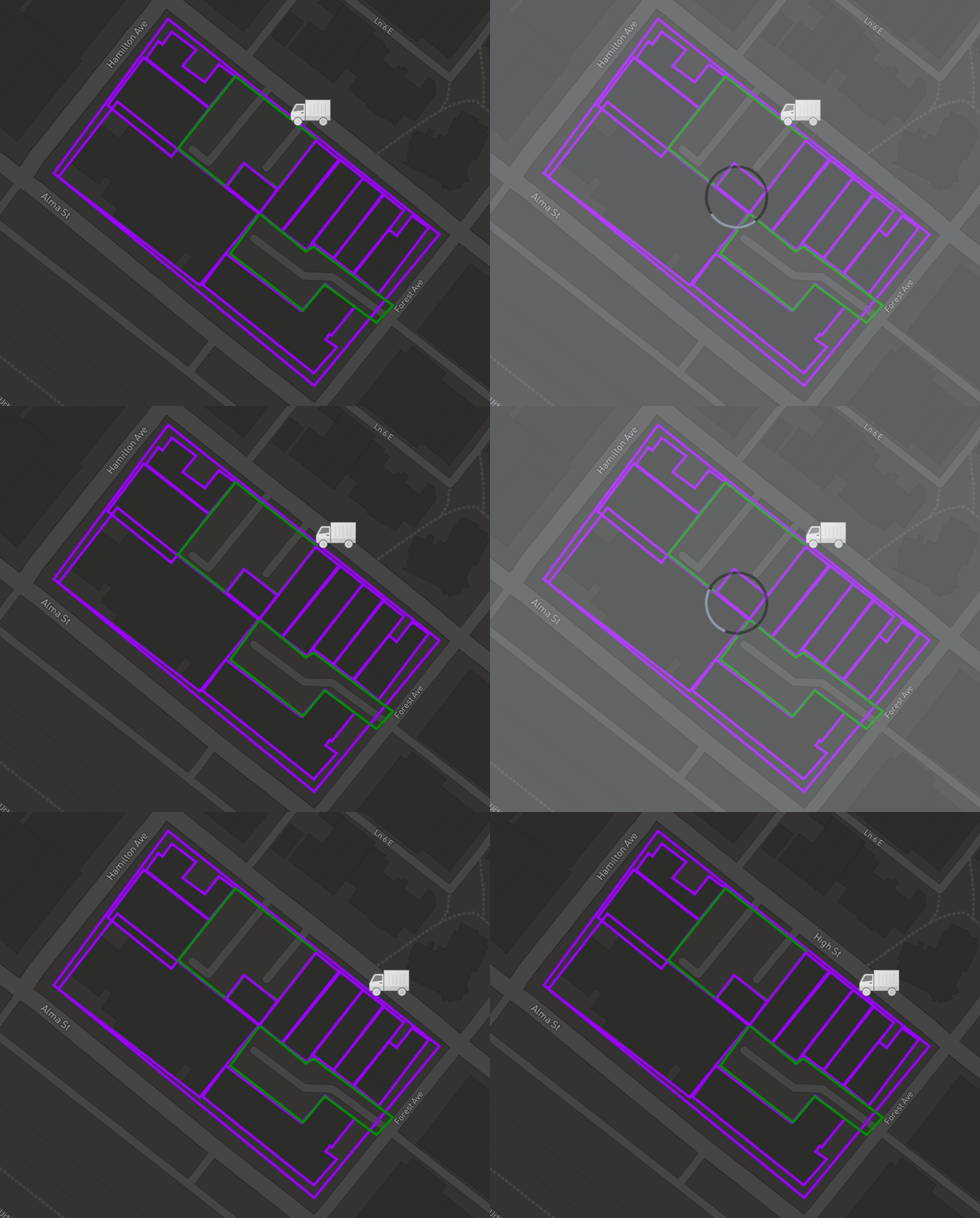
And there you go!
 Michael Ellerbeck