If we go with the analogy that spreadsheets are the bacteria of the business world. We would need Palantir to handle this necessary evil. And it does
From a least complex to most complex handling of spreadsheet data (I will use the glorious Example Spreadsheet that I found on a first google)
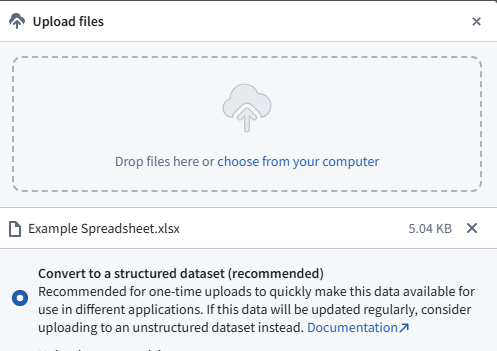
1) Drag and drop (And convert to a dataset) Once you have it as a Dataset, skies the limit.
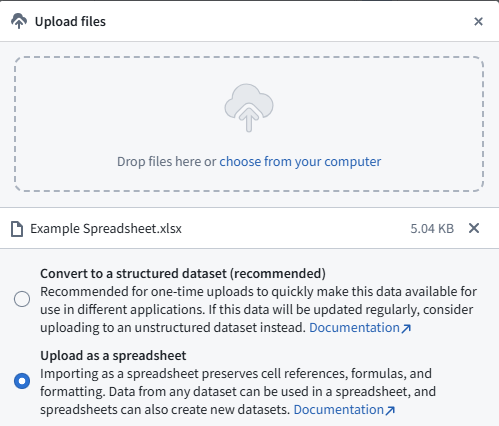
2a) Drag and drop (upload as a spreadsheet)
This creates a Fusion Sheet
2b) Create a Fusion Sheet, create your header columns and then copy and paste your data. (This is nice because you can control your header column names)
—
Once it is in a Fusion Sheet, you will want to get it into a Dataset. Easy method, at the bottom hit the arrow and choose Sync sheet to dataset.
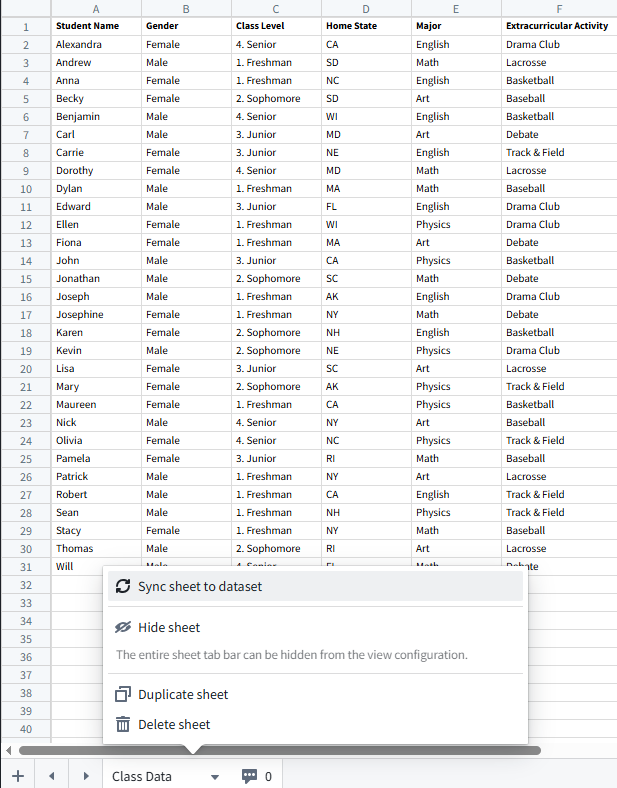
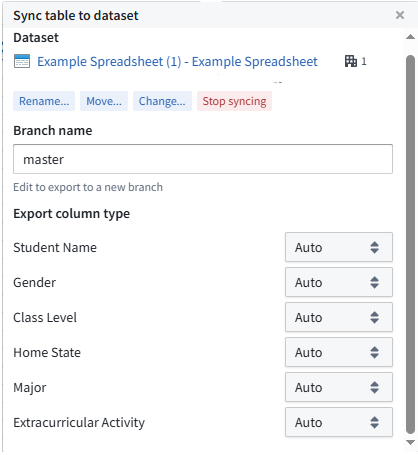
What is powerful about this method is that you can add and remove data, add and remove columns, and the dataset will automatically sync! Of course changing columns will break downstream pipelines and things. One thing to note, it tries to guess at your data types. It sometimes decides that your data type is a decimal… which is not compatible with ontology edits etc.. if you want more control over this under Data choose, Sync table to dataset
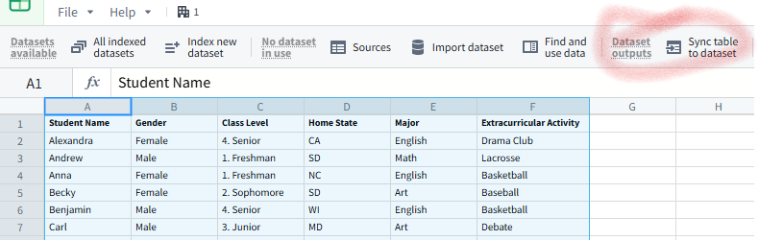
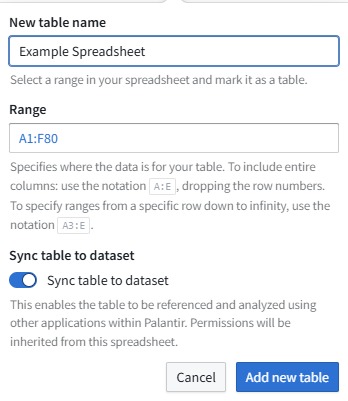
And now you can set the column type (and don’t use decimal, why is decimal even an option….)
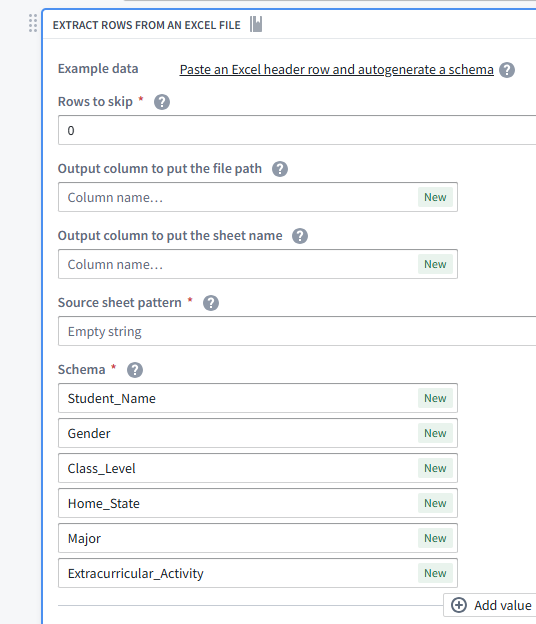
3a) Create a pipeline, upload to a new unstructured dataset

This is covered extensively by ontologize https://www.youtube.com/watch?v=KrSqpeFb8xE
You can generate the schema based on the header.
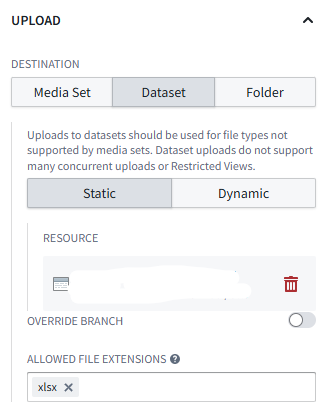
3b) Use a workshop app to upload to unstructured dataset, and then pipeline
4) Upload unstructured dataset, create pyspark transform
Code Repositories | How to Parse Excel Files into a Usable Dataset in Palantir Foundry – YouTube

5) Save your excel as CSV, Create an ontology object for Students, use writeback widget to Import CSV data
Modify the Create Student action (pass name [primary key] as a parameter) <- This is a terrible primary key, but this is a demo
Create workshop app, add Inline Action widget
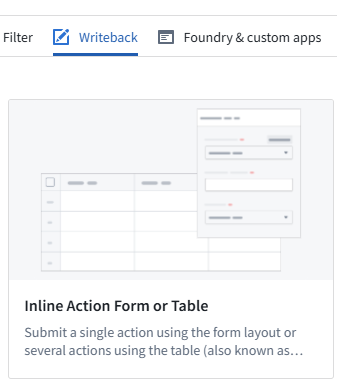
Configure it to use the Create Students action.

Publish it, and hit view. You have this magic button on the bottom (Import data)

Choose your .csv
Fix up the mappings (where the object doesn’t match your column headers)
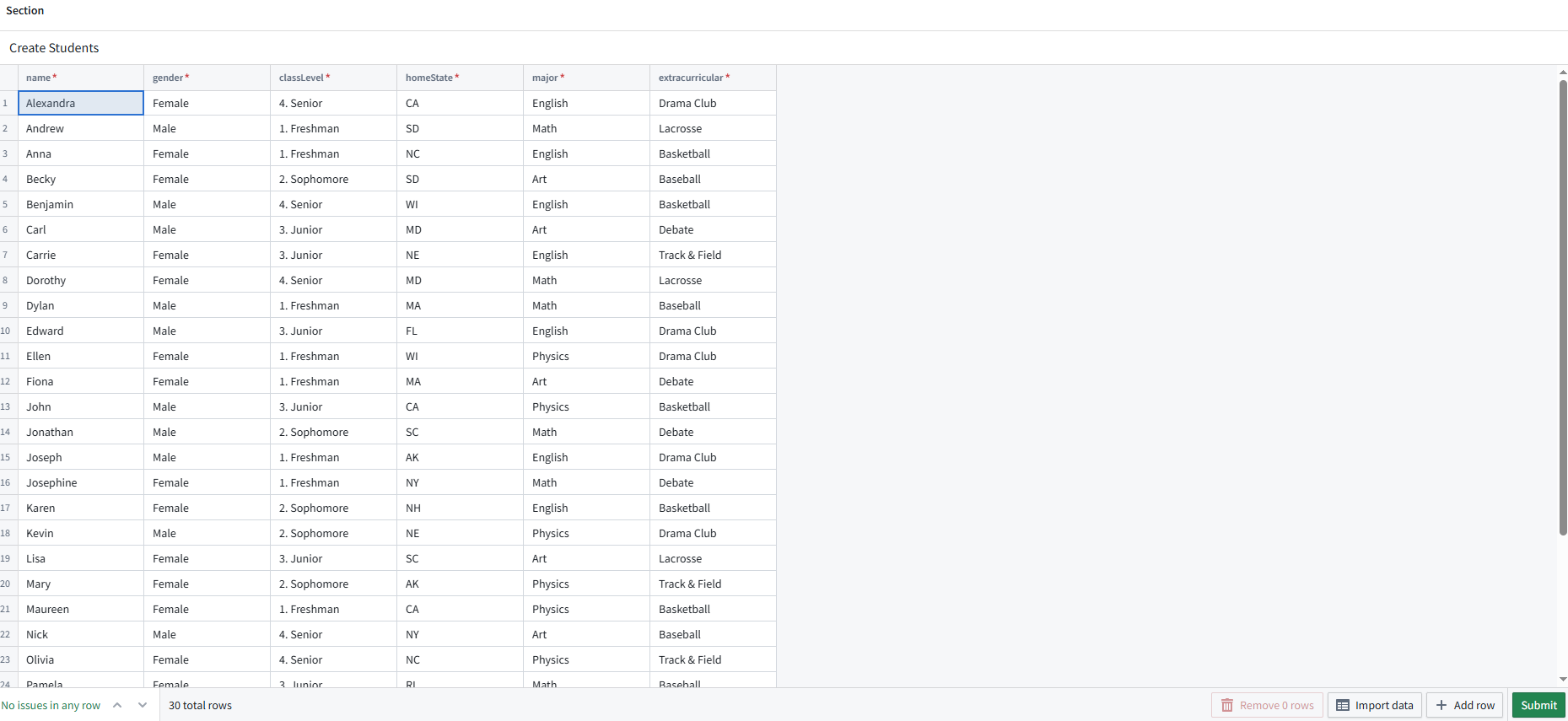
Hit Submit, and you have students.
6) Create a function that parses CSV’s (save your excel as a CSV) and then use that to import into the ontology.
https://github.com/mellerbeck/palantir_csv_parser/blob/main/importStudentsCsv
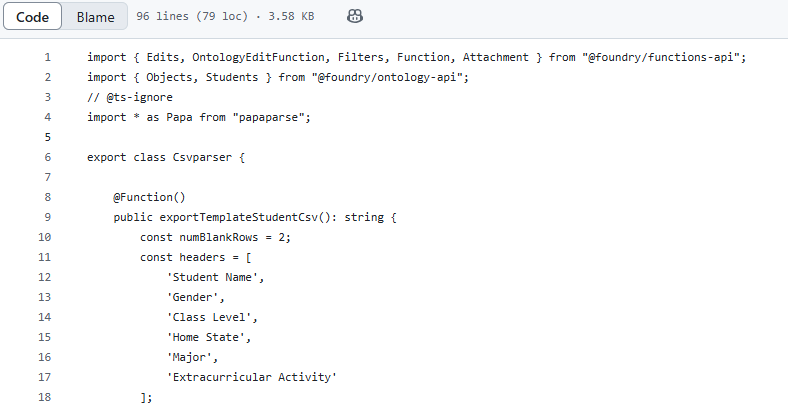
Create an action on your students object.
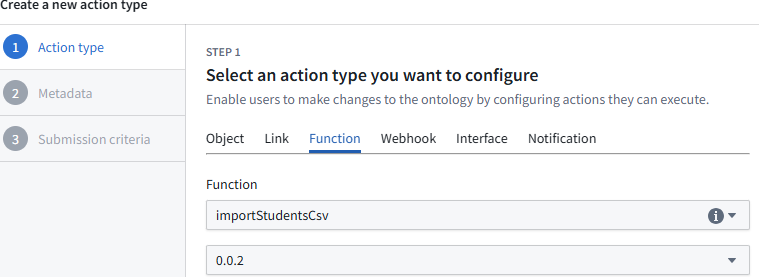
Create a workshop, add a button, configure the action
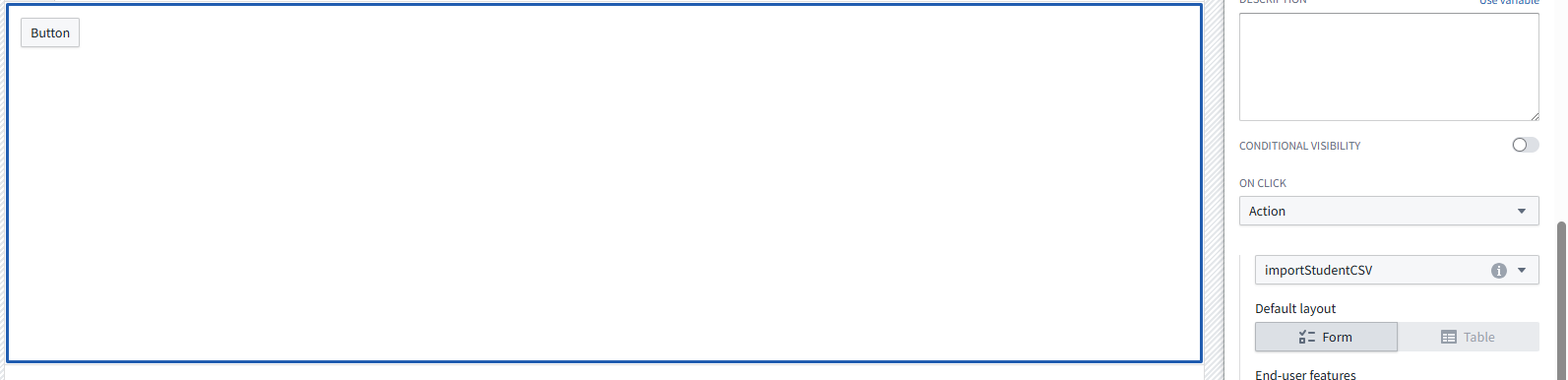
Publish, press your button and upload your CSV.
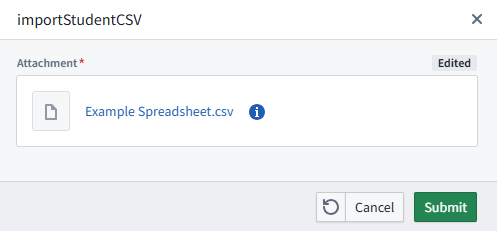
This method is nice because it wil do overwrites on the data (On primary key match)
As well as add any sort of logic \ data validation that is needed.
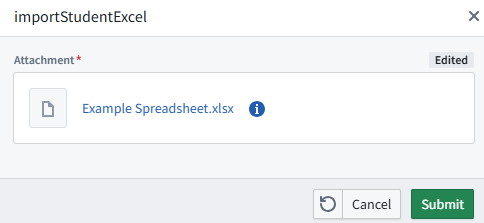
7) Create a function that parses xlsx and then use that to import into the ontology.
https://github.com/mellerbeck/palantir_excel_parser/blob/main/excel_parser
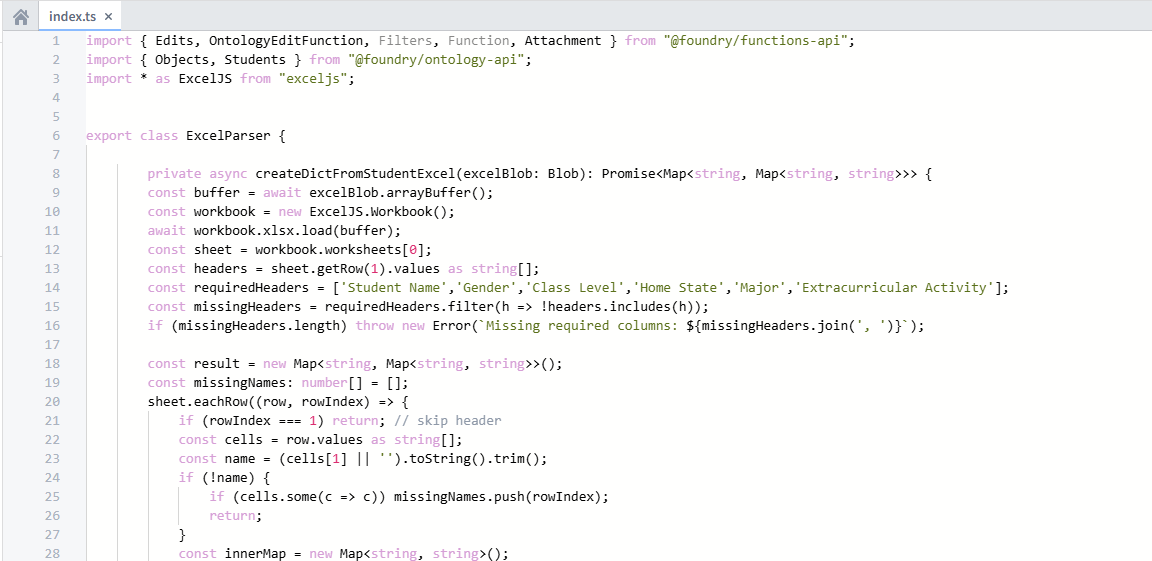
Create an action, button, and import that excel sheet!
 Michael Ellerbeck