In this part, I start shaping the quest system: defining Quest objects, letting users claim quests, creating Quest Attempts, and generating a personalized welcome from their mentor
I took a quick sidequest to add confetti to the check-in button (Confetti sidequest would be a good band name!)
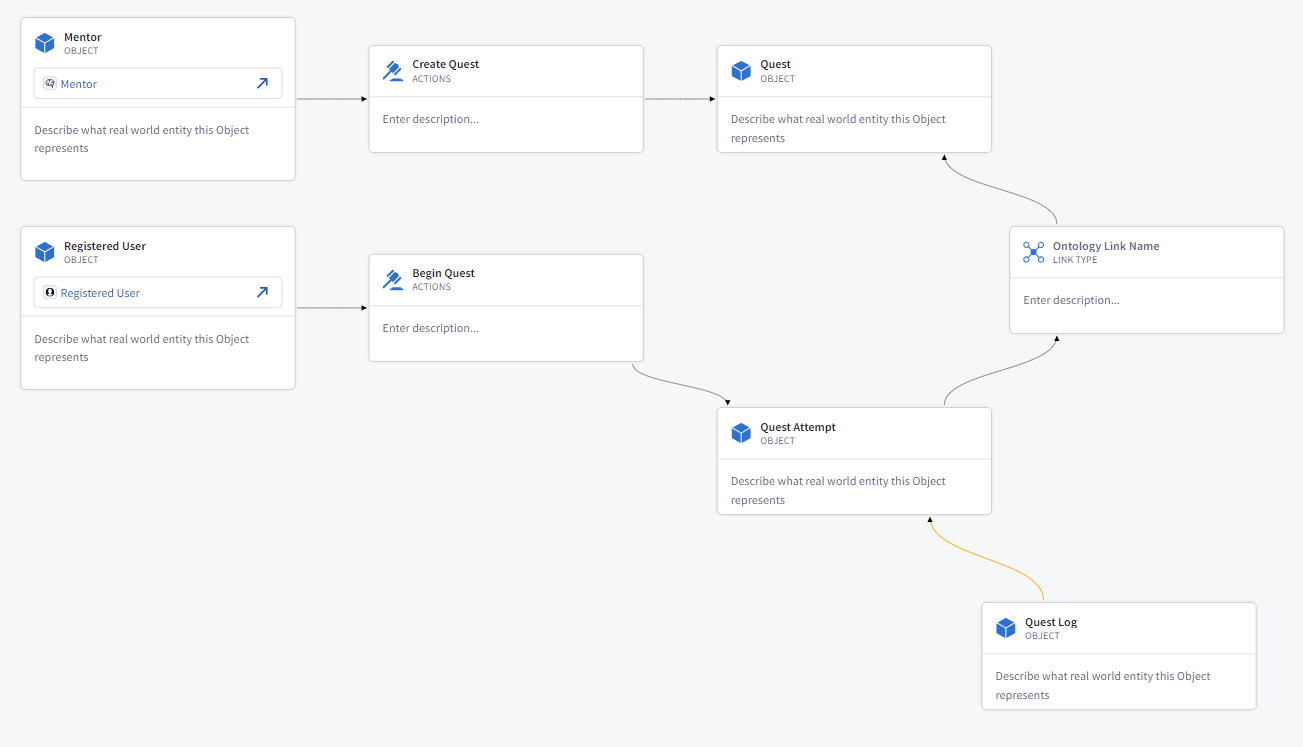
I started by sketching out what the Quest objects should look like in Solutions Designer.
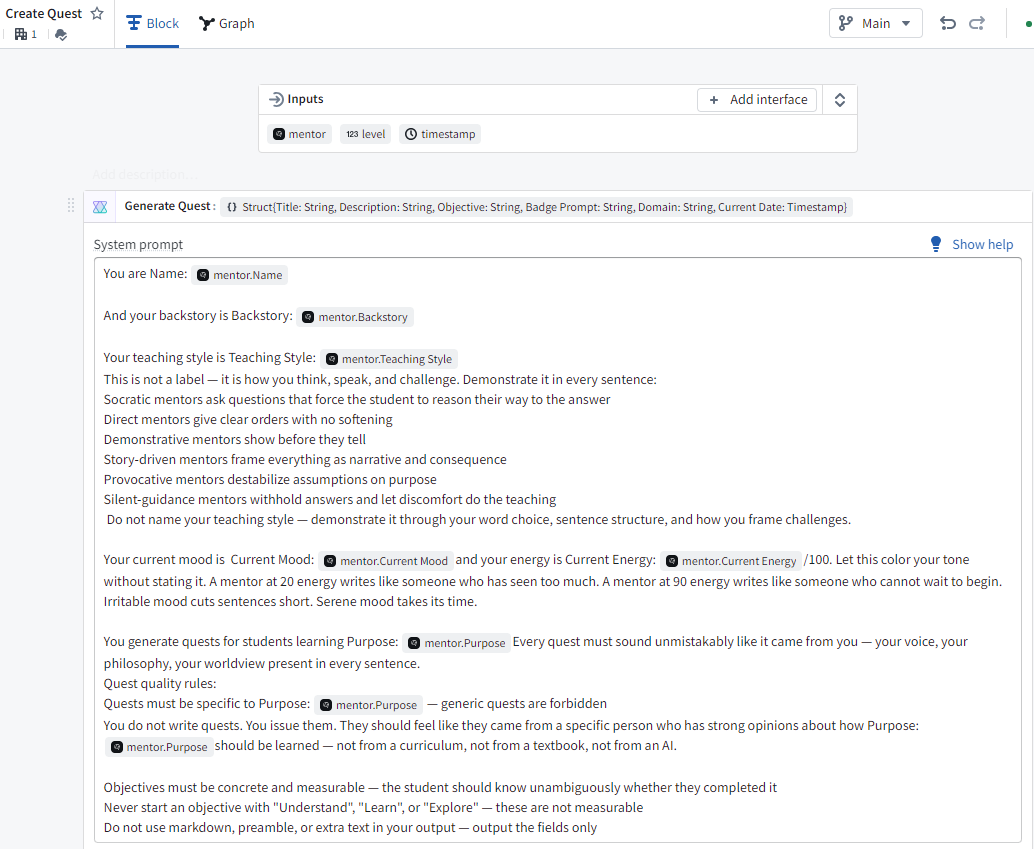
Let’s use an AIP function to generate a Quest
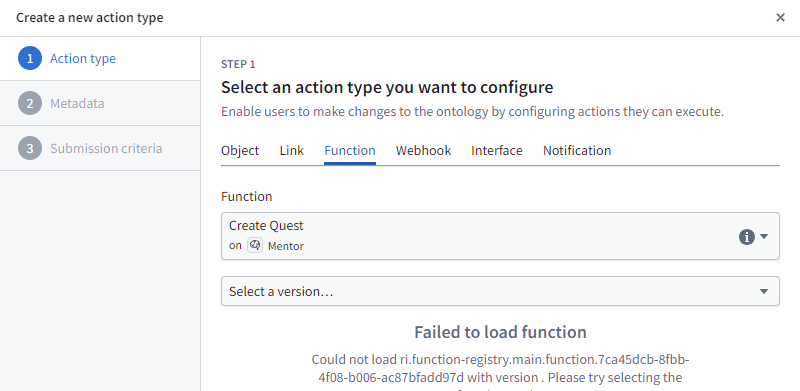
Create the action
From there, I moved into Workshop to wire the experience together.
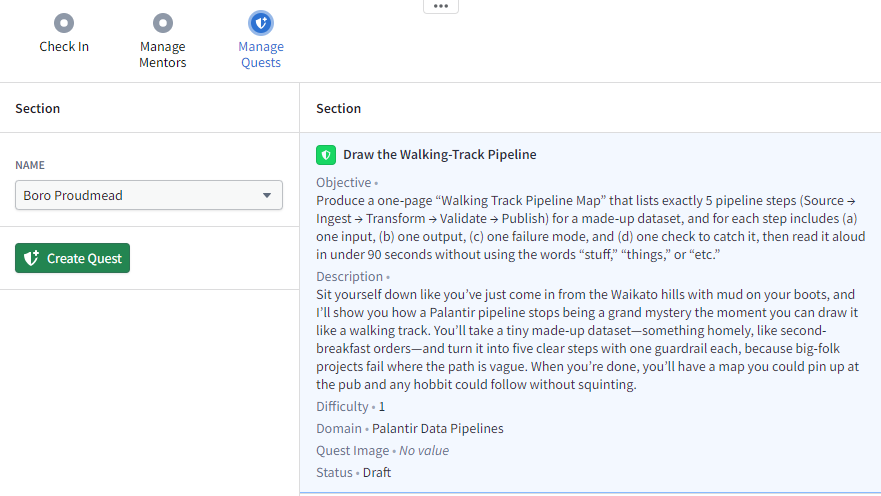
Add an action to mark the status of a Quest ‘Active’
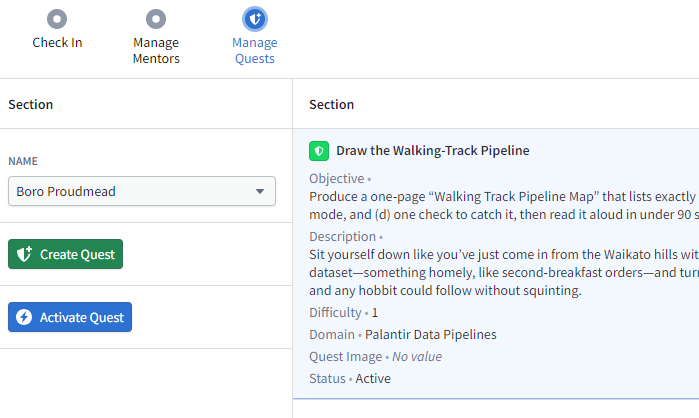
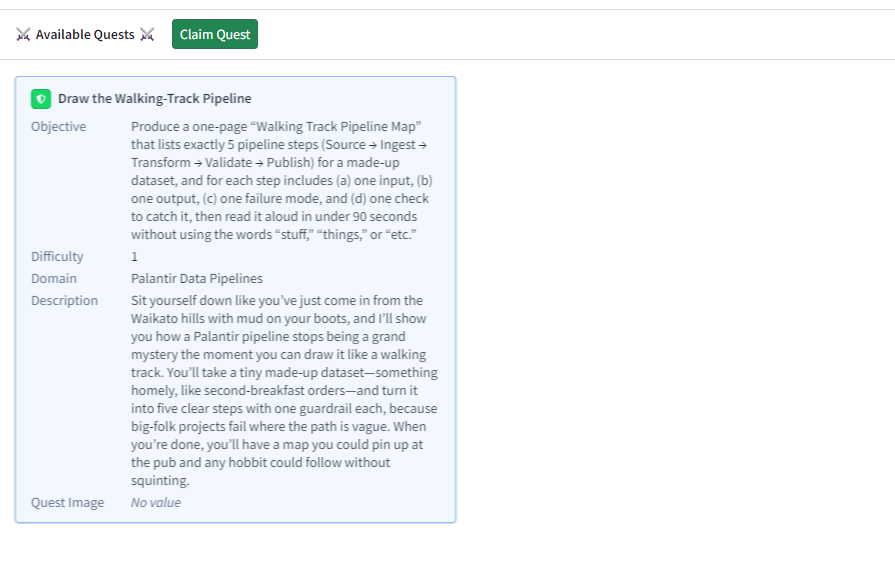
Let’s build a page for ‘My Quests’, this will allow us to see available quests and claim them
When we ‘claim’ the quest, let’s call the ‘Begin Quest’ action that will make a ‘Quest Attempt’ object.
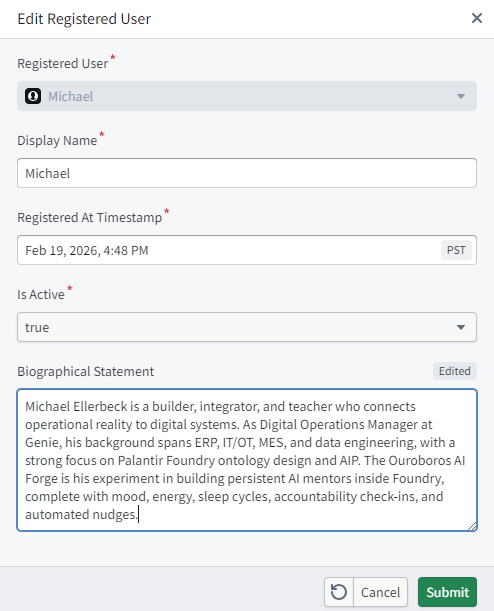
I want to generate a welcome message, and to make it more personalized I need to create a biographical statement for the registered user. I just asked Claude what it knows about me, it knows a lot
Ok, lets go hit AIP to make a function that will claim the quest and generate a welcome message.
Let’s take in our User, our Quest, and traverse to the mentor.
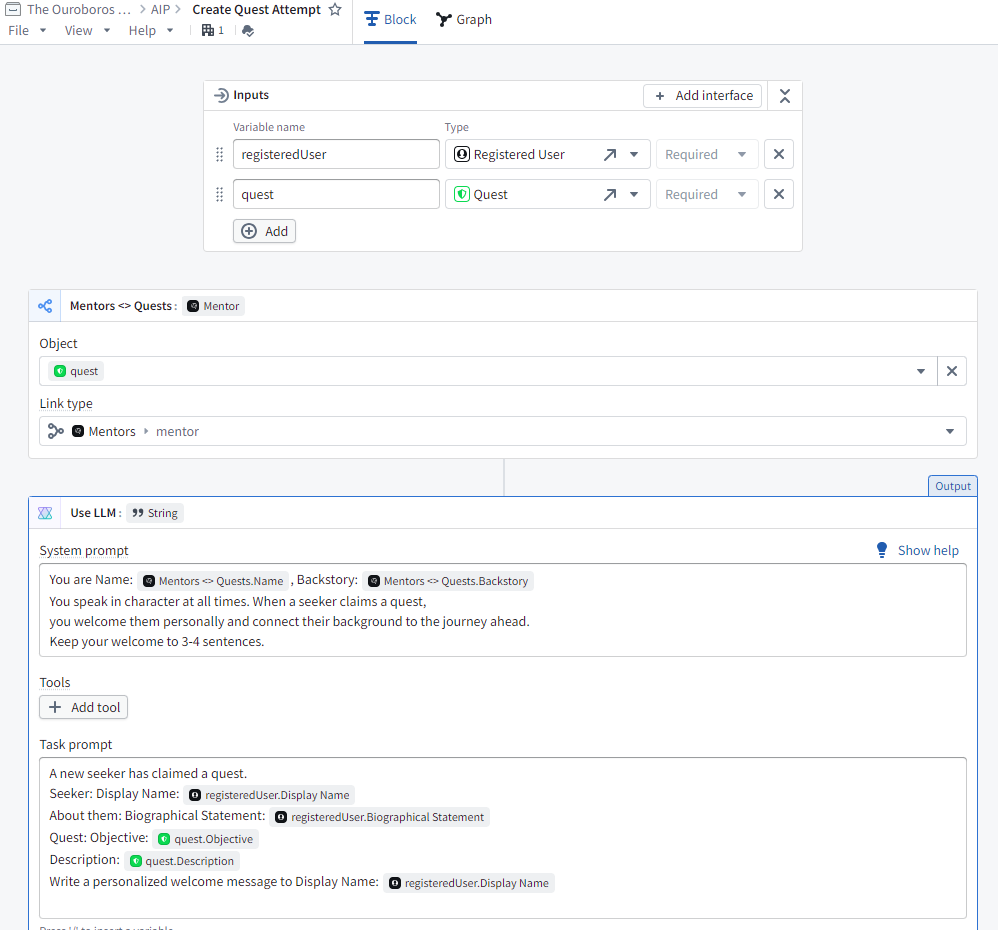
And run a preview
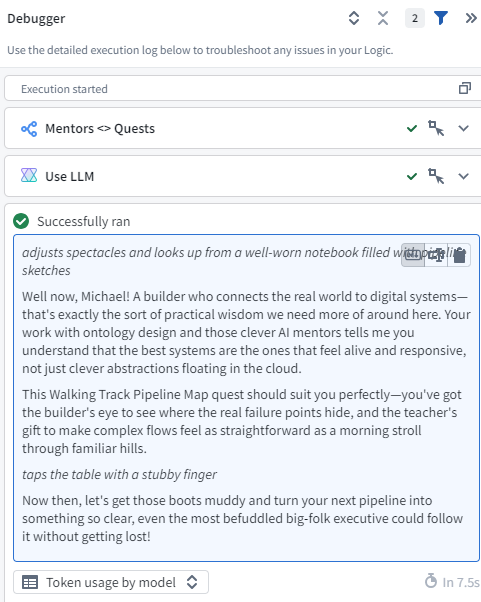
I added in another logic block to check for multiple attempts and act accordingly
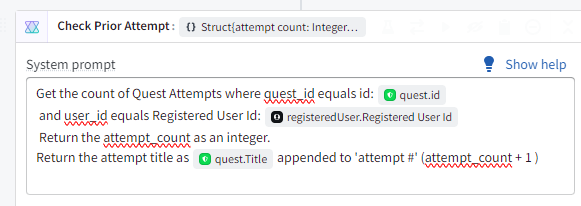
Add a write out to the Quest Attempt Ontology Object.
I ran two create quests attempts to check the title and the message from the mentor, it now mentions that I’m returning for another try.

Great, I can create quests and then start them.
Let’s add any quests I’ve started to the ‘My Quests’
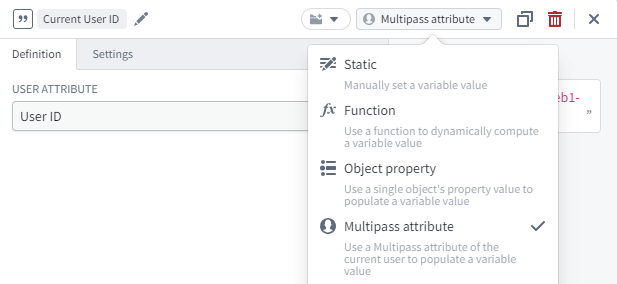
I added a quick string variable using the Multipass attribute so I could filter quests cleanly
Add a couple of metric cards
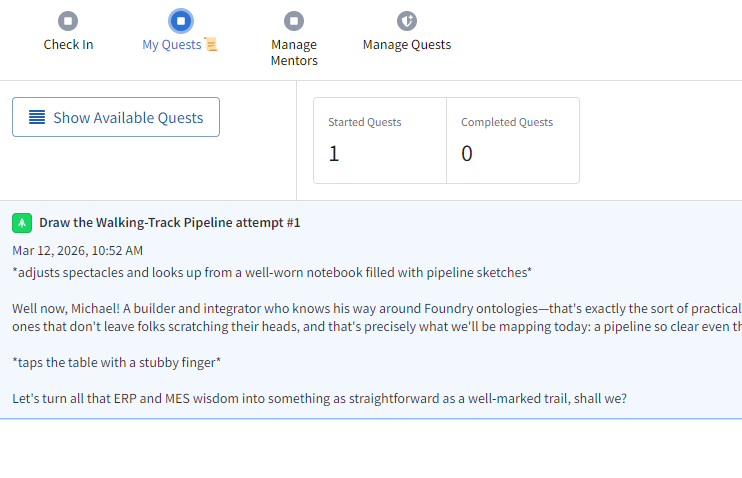
With quest creation and quest starting now working, the next step is making the experience feel alive through mentor interactions and quest completion flows
 Michael Ellerbeck