First install the AWS toolkit
I hit control+shift+P and type in SAM (because I wanted to see what options there are)

I notice the detect SAM CLI, so I try that
It gives me this, so I guess I should get it 🙂
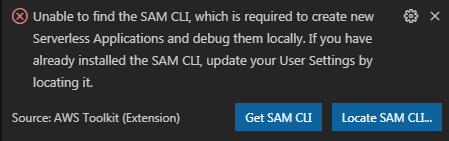
Ok, installed. Now lets try a sam app
Ok, which version, 3.7

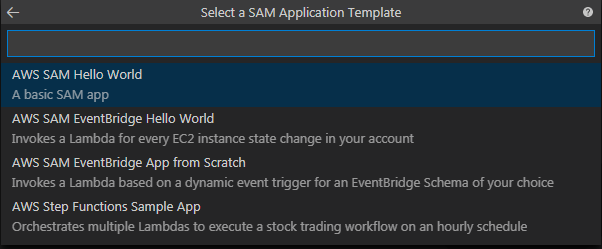
Let’s try Hello World
Ok, I have a project

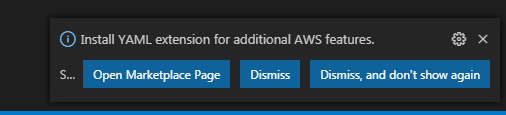
And now I should add a YAML extension, OK
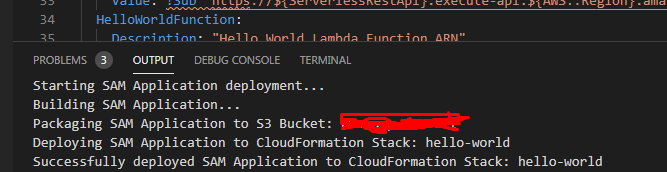
Ok, so let’s deploy this sample. ctrl + shift +p

I wish I could search for buckets from here, but you get to paste it in

Cool, it deployed my stack
 Michael Ellerbeck