Canvas is pretty cool!
This video shows some of the neat things you can do with it https://www.youtube.com/watch?v=ZIjUOr_HYFQ
But what is the path for the icons? from this forum post https://community.grafana.com/t/how-can-i-use-my-own-svg-icons-in-canvas-plugin/82756/3
Although there is a typo, it should be grafana/public/img/icons/marker (not markers)
On my ubuntu box the full path is
/usr/share/grafana/public/img/icons/marker/
Lets say you want to make an SVG that you can change the color of (to use it as an indicator)
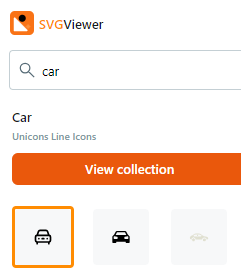
This site is pretty cool https://www.svgviewer.dev/
Type in car, and then download it.

The only thing next you need to do is open the svg in inkscape and double check that the Fill and Stroke Paint are undefined (indicated by the question mark being highlighted) there are other wrinkles that I don’t understand yet when you have multipath objects, I think it needs to be combined as one object? YRMV

Upload that to grafana. Add a Canvas panel, add an icon, chose the marker path, and then choose your car.

Try to change the color, you should see it change in your icon

I ran into some more issues, they seem to be fixed by removing any reference to
style=”fill-opacity:1;fill-rule:nonzero”
clip-path=”url(#clipPath11488)” />

